
Product tour
See how AqarCRM works.
Every screen below shows the real AqarCRM interface. Names and figures are illustrative.
All names, units and figures on these screens are illustrative. They are not customer data or AqarCRM statistics.
01 · Available now
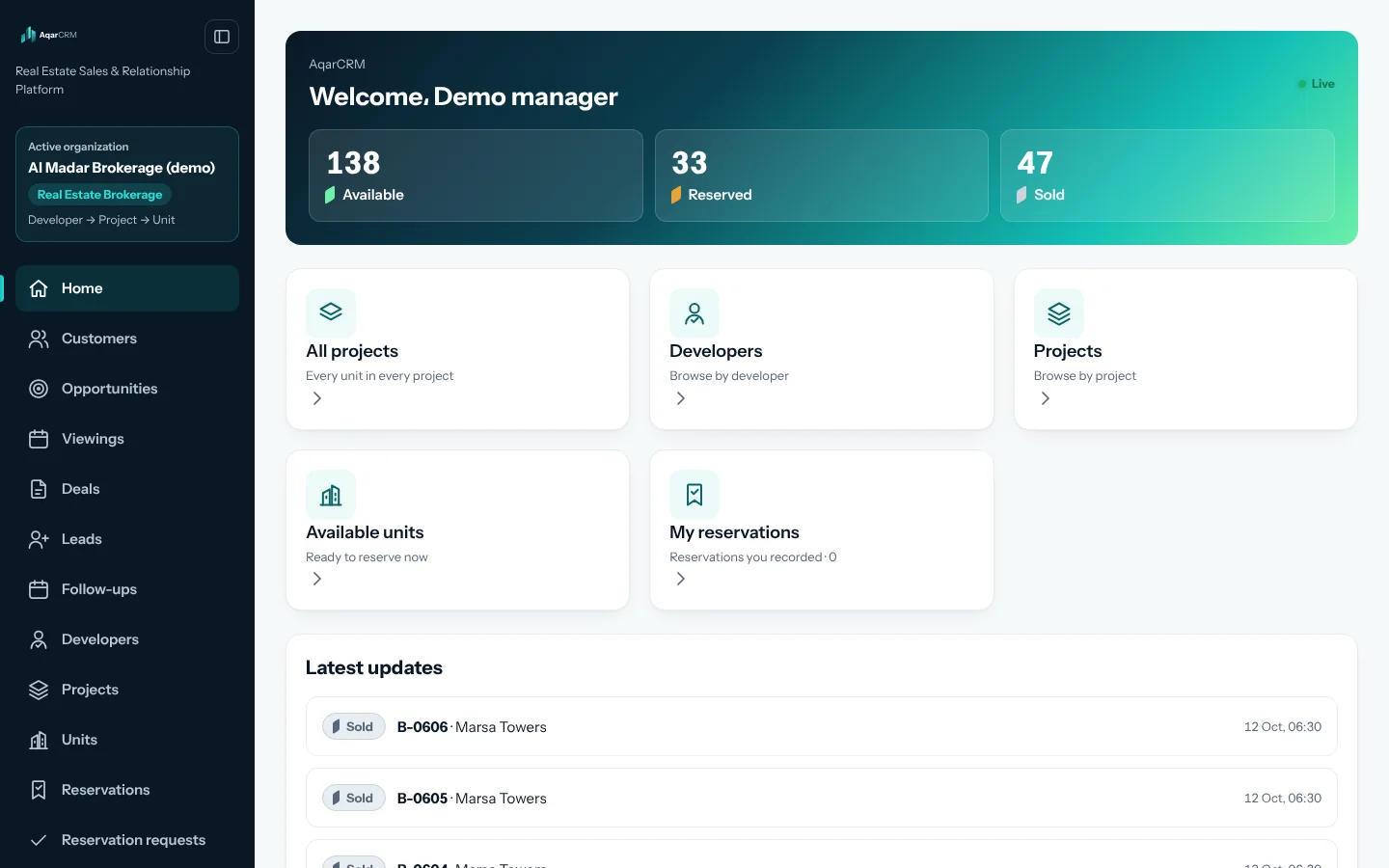
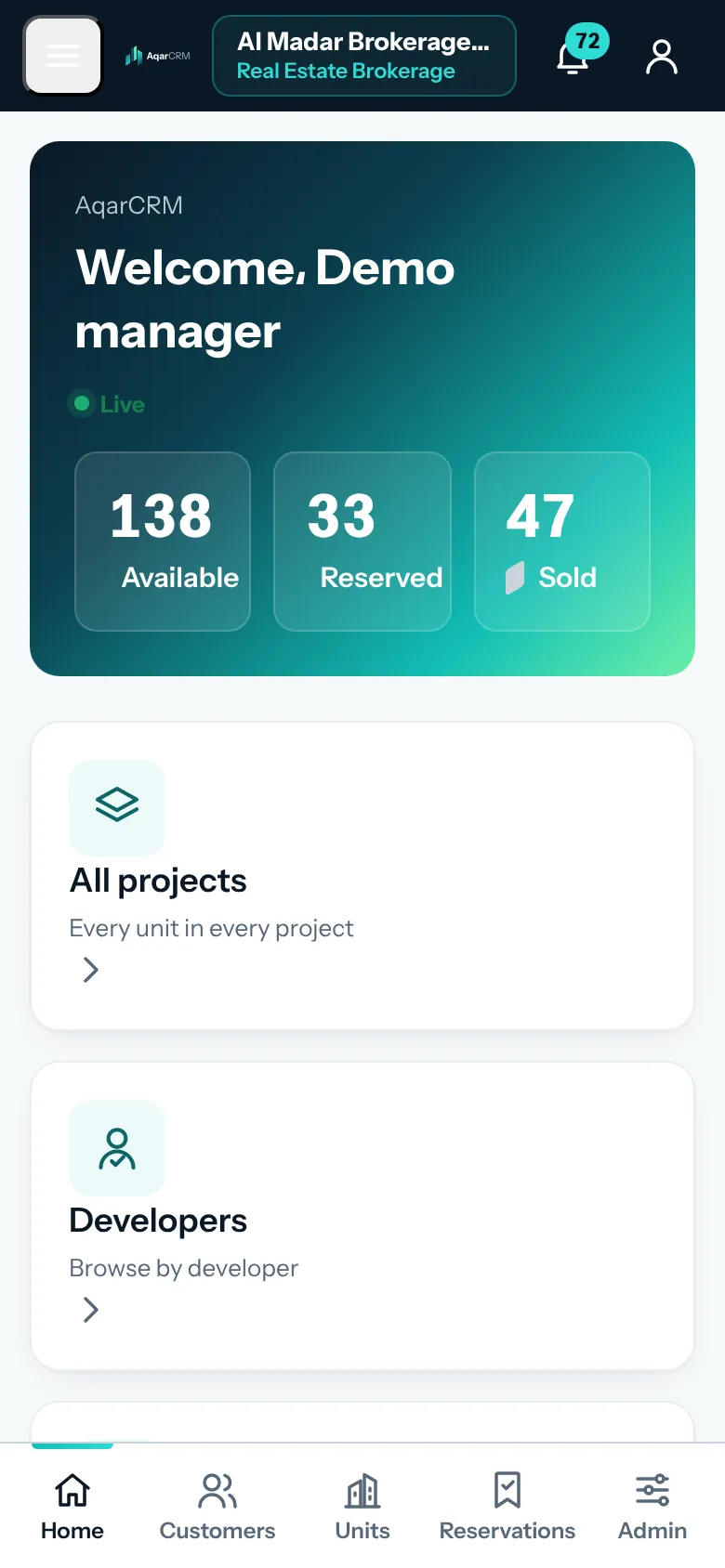
Management dashboard
The readings a sales manager needs at a glance, scoped to the active organization.
 Illustrative interface data
02 · Available now
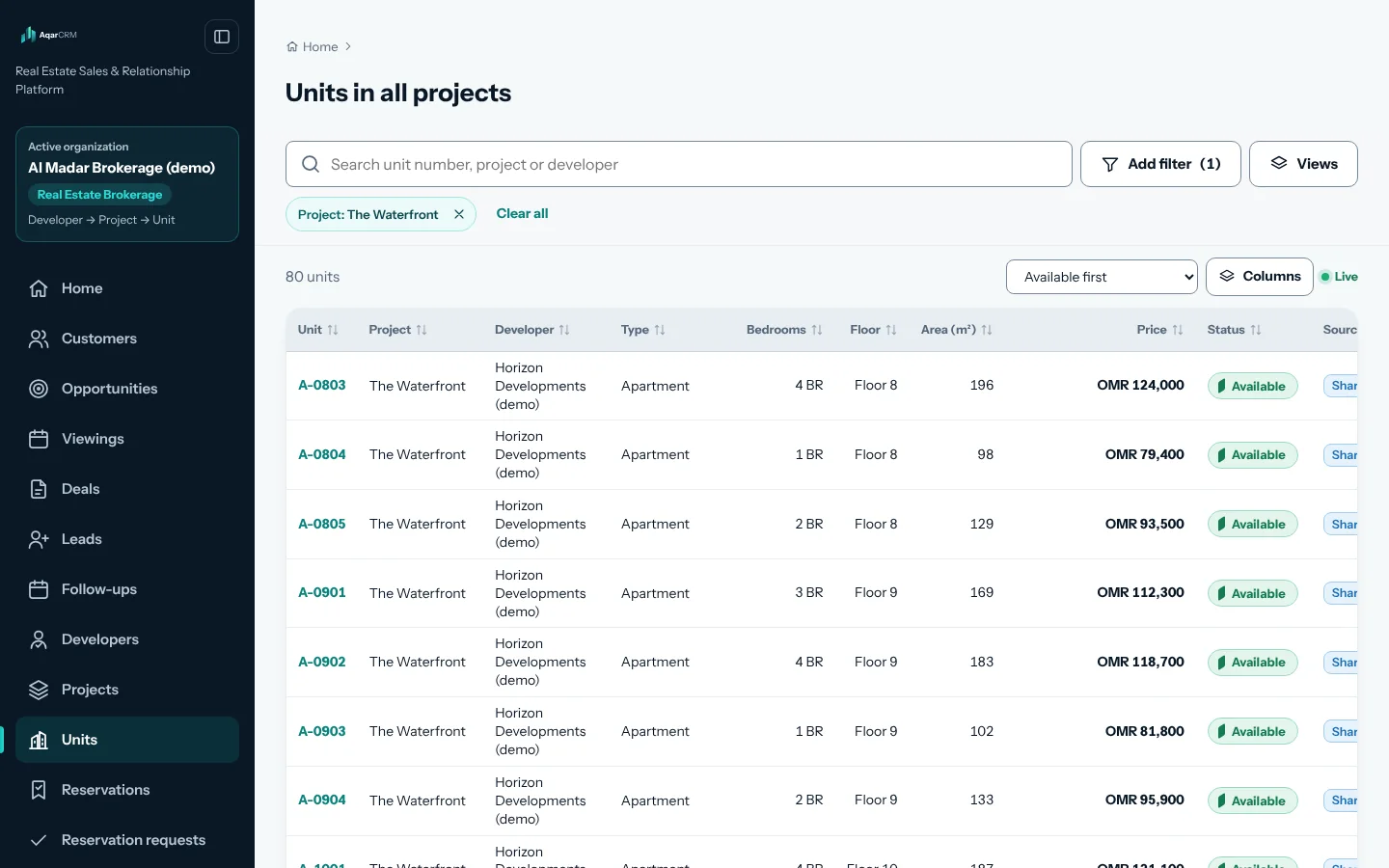
Developers, projects & units
A brokerage works across many developers. Choose a developer, then a project, then filter its units — availability, type, area, price, discount and payment plan stay on every card.
A developer organization IS the developer: its team works Project → Unit, with no developer selector.
 Illustrative interface data
03 · Available now
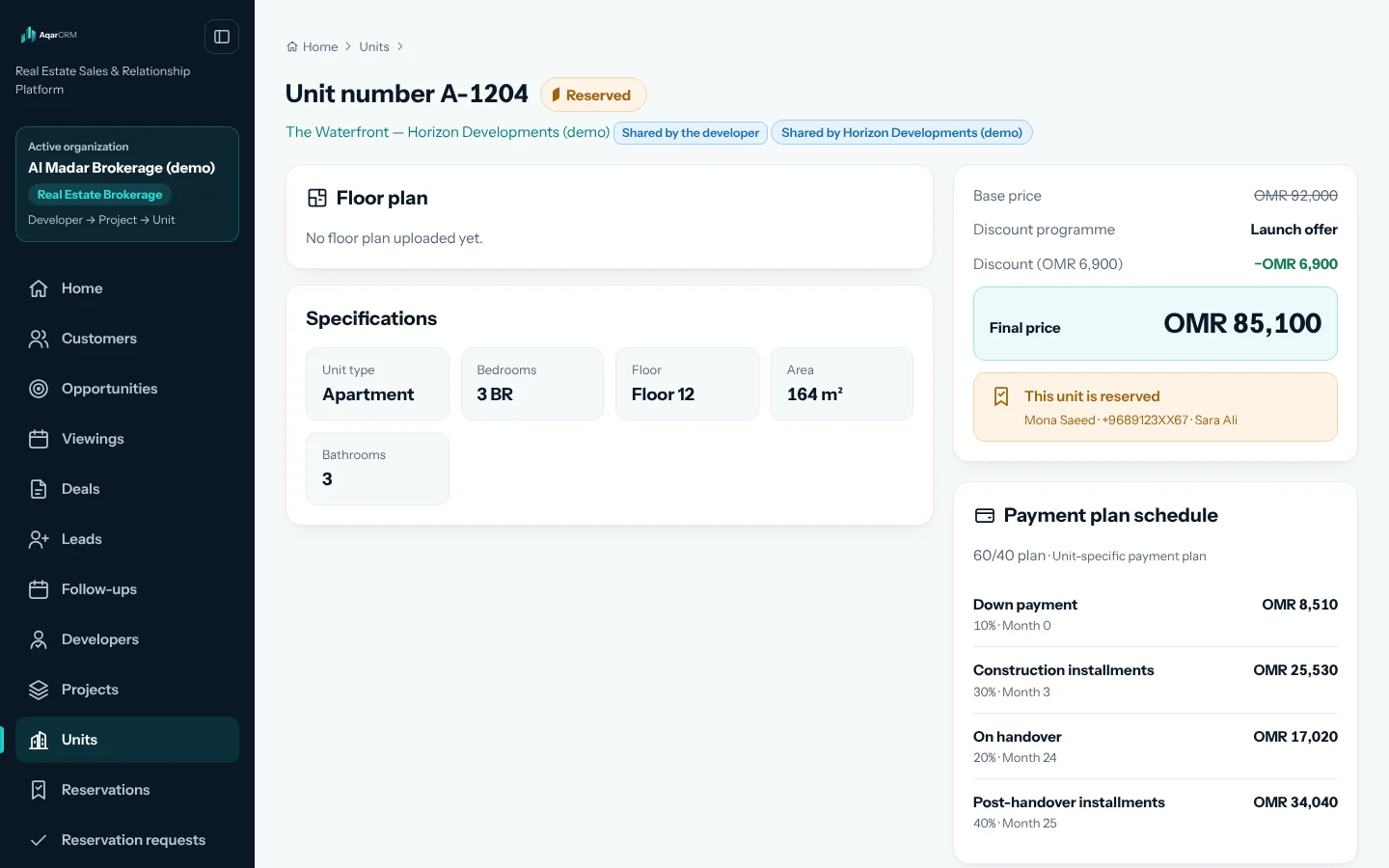
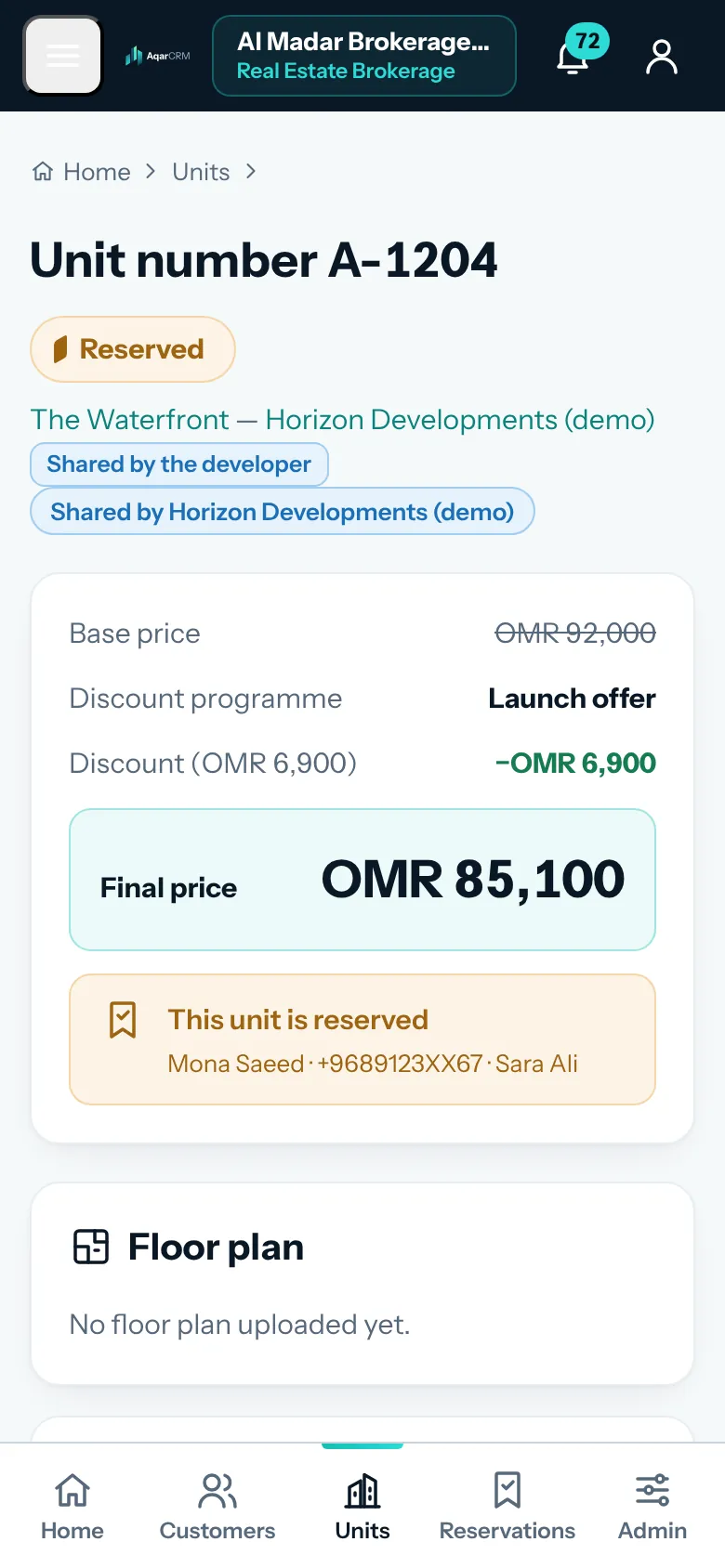
Unit detail
Everything a consultant needs to answer the buyer and reserve — from the same record the manager sees.
 Illustrative interface data
04 · Available now
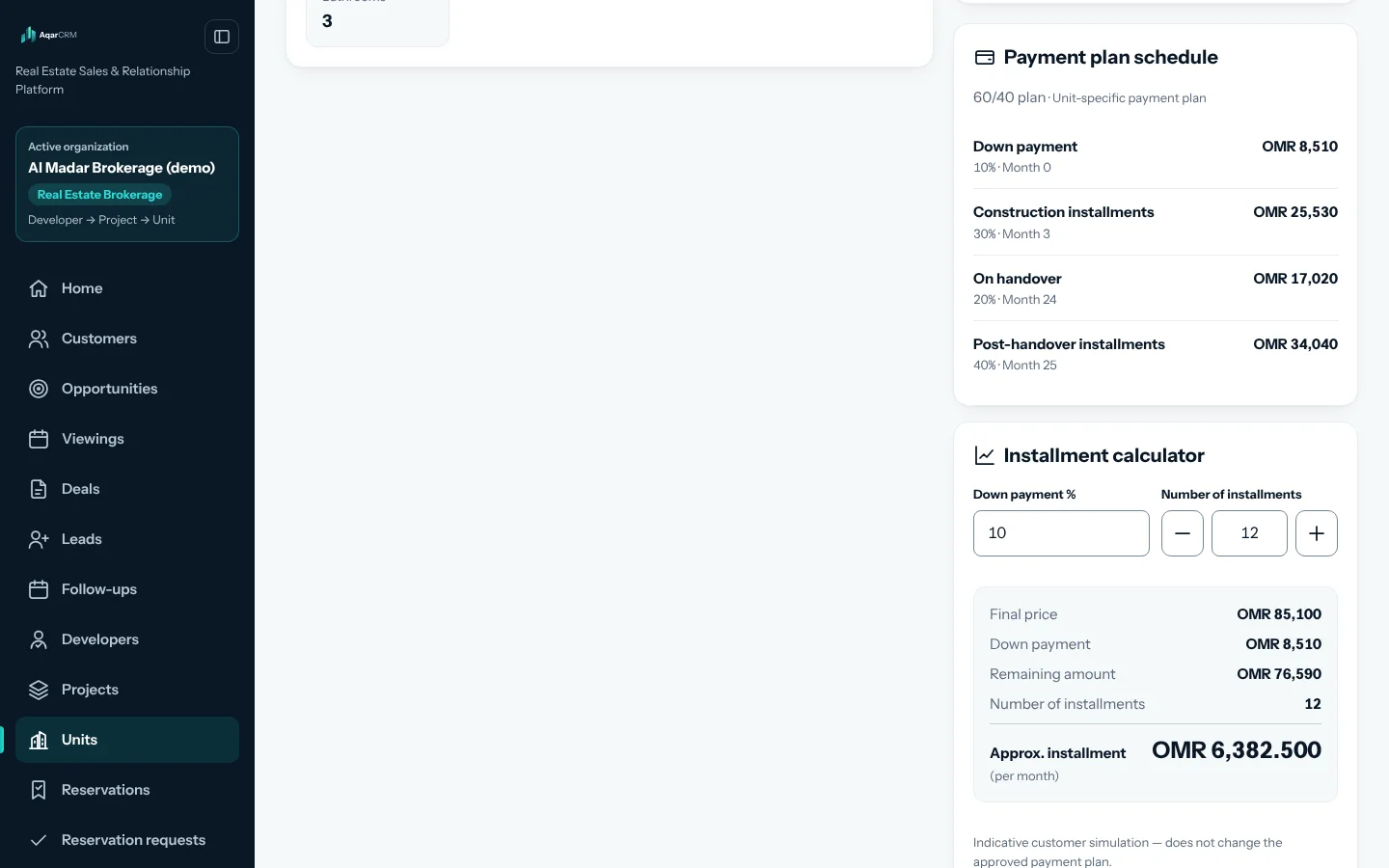
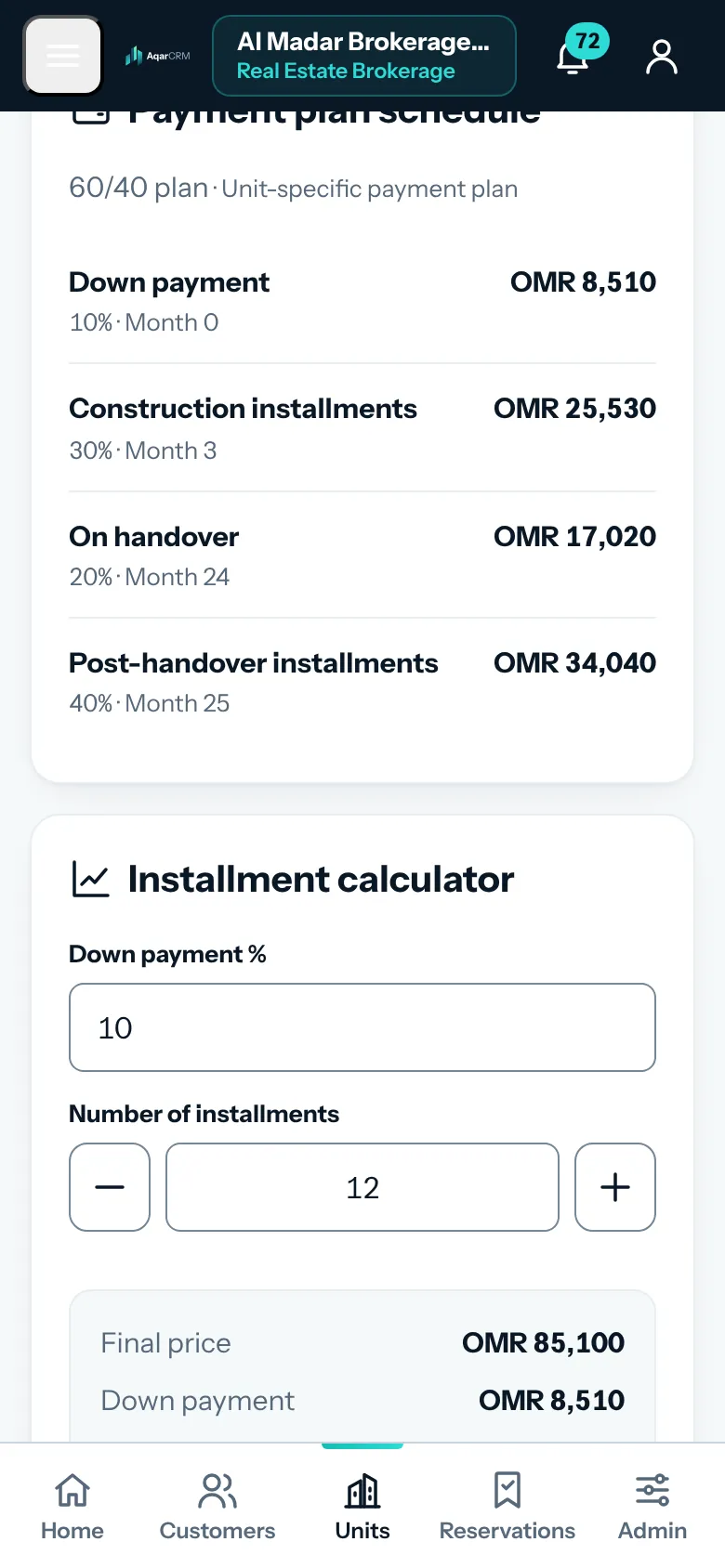
Payment plan
Each developer and project defines its own plans; units can carry their own. This is one example, not a standard plan.
 Illustrative interface data
05 · Available now
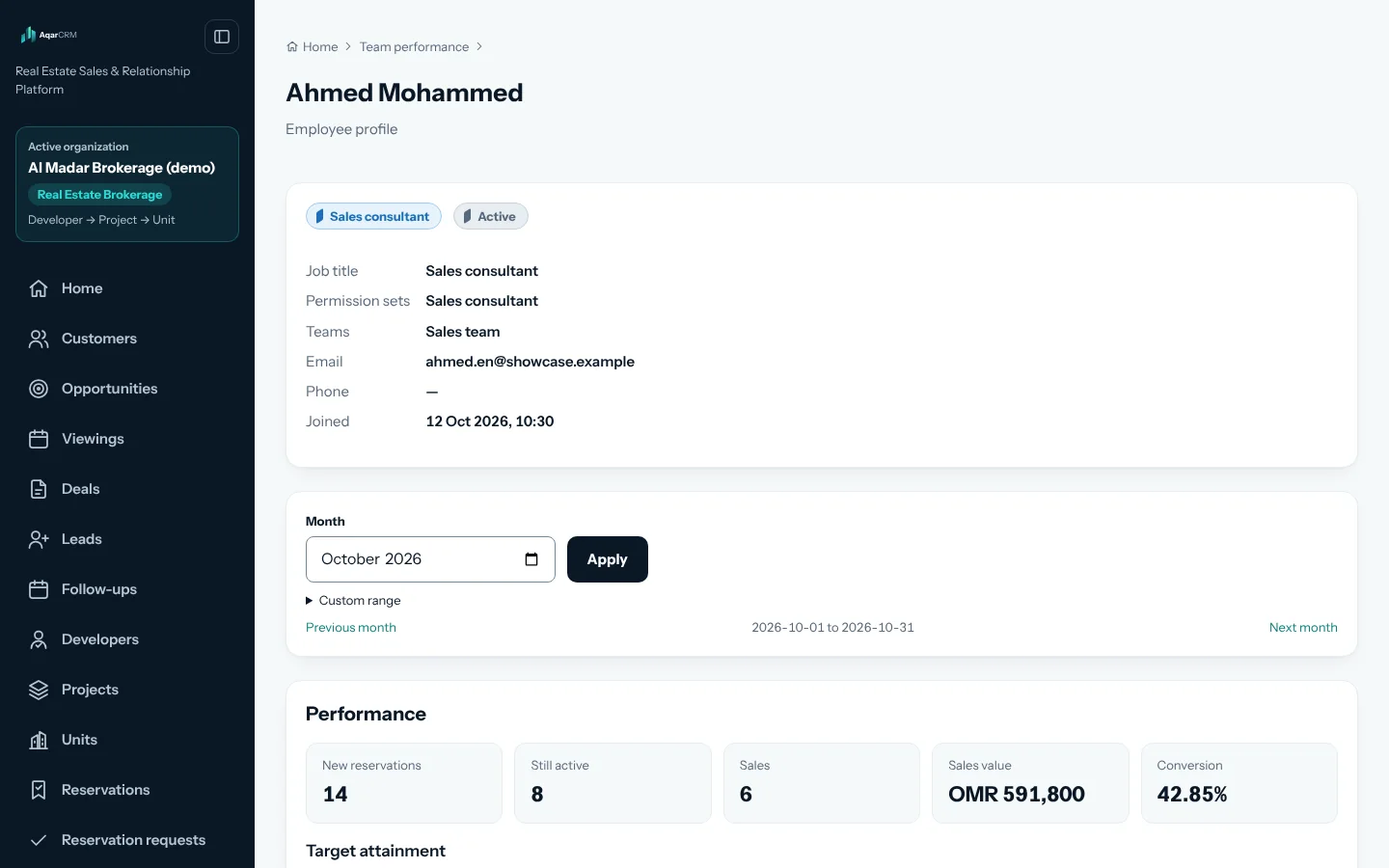
Sales consultant profile
Managers see who reserved and who sold, for how much, on which projects and developers — attributed to the employee who did the work.
For managers: performance you can see
- Who generated reservations and who closed sales.
- The value of the sales attributed to each employee.
- Which projects and developers each employee sells.
- Recent activity, filtered by any date range.
RoadmapAssigned leads · Lead-to-sale conversion · Performance trend over time
 Illustrative interface data
06 · Available now
Reports
Breakdowns by developer, project, member and role, for any date range — scoped to your organization. Shared inventory keeps its owner as the source.
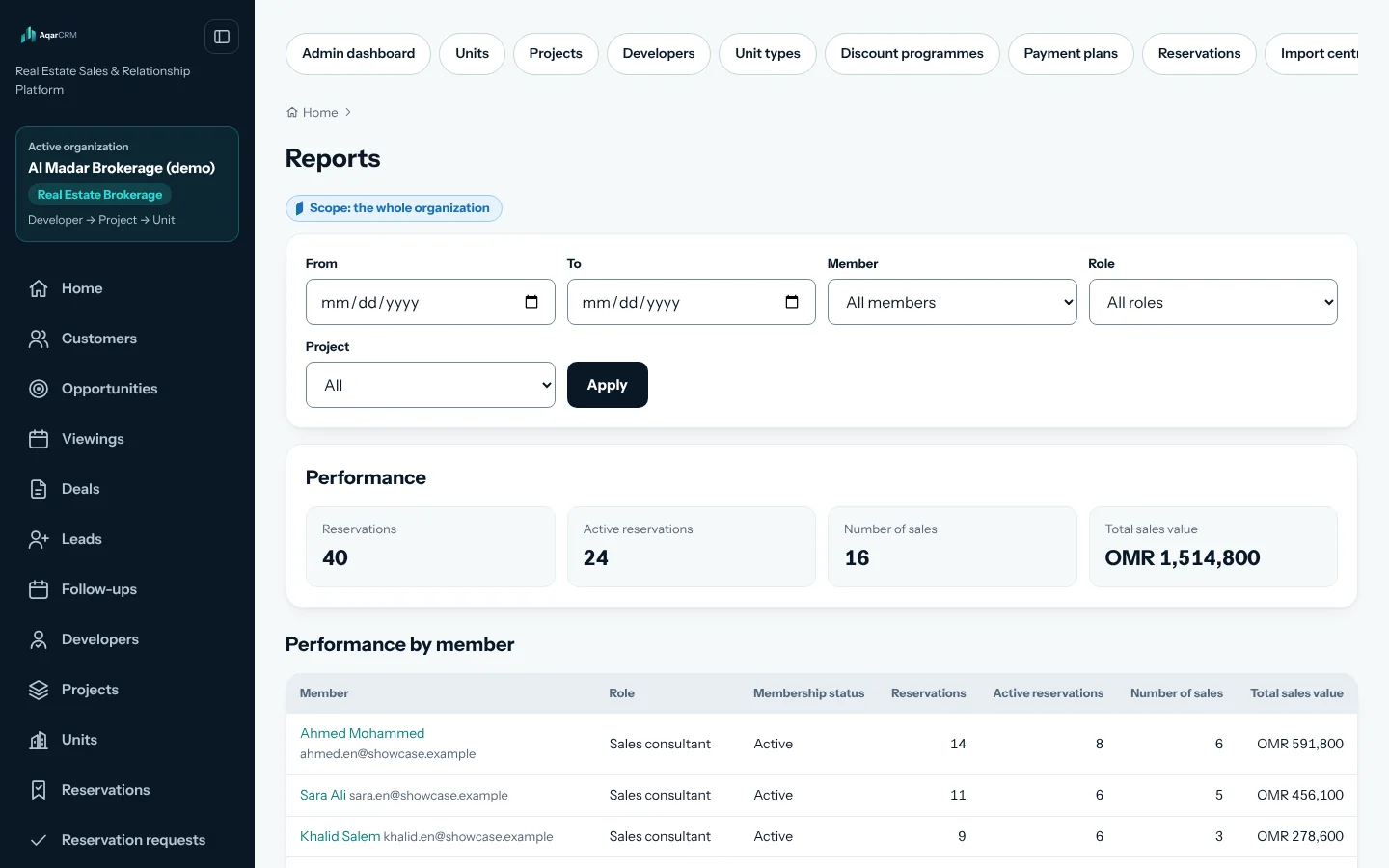 Illustrative interface data
07 · Available now
Broker access
A developer shares live inventory with brokers, project by project and permission by permission, without copying it. Brokers see only what was granted, and revocation is immediate.
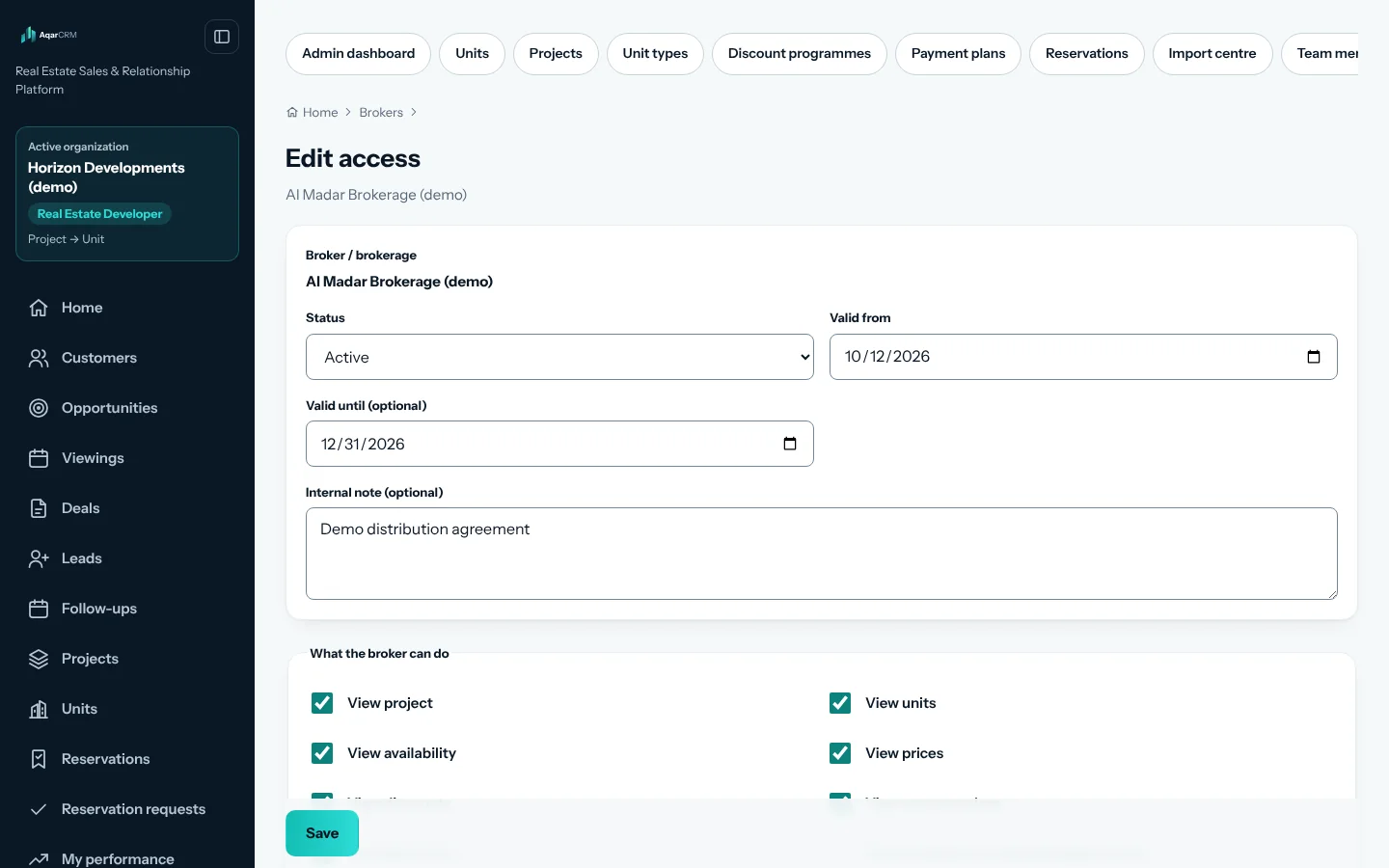 Illustrative interface data
Roadmap
On the roadmap
Planned capabilities that are not available yet:
- RoadmapUnified customer identity across channels
- RoadmapIntelligent intake and lead routing
- RoadmapCustomer 360 and buyer requirements
- RoadmapProperty matching
- RoadmapOpportunities, pipelines and follow-ups
- RoadmapCommercial proposals, PDF output and deal milestones
See AqarCRM through the lens of your own sales process.
Tell us how your organization sells today. We will arrange a walkthrough focused on your workflow, your inventory and your team.